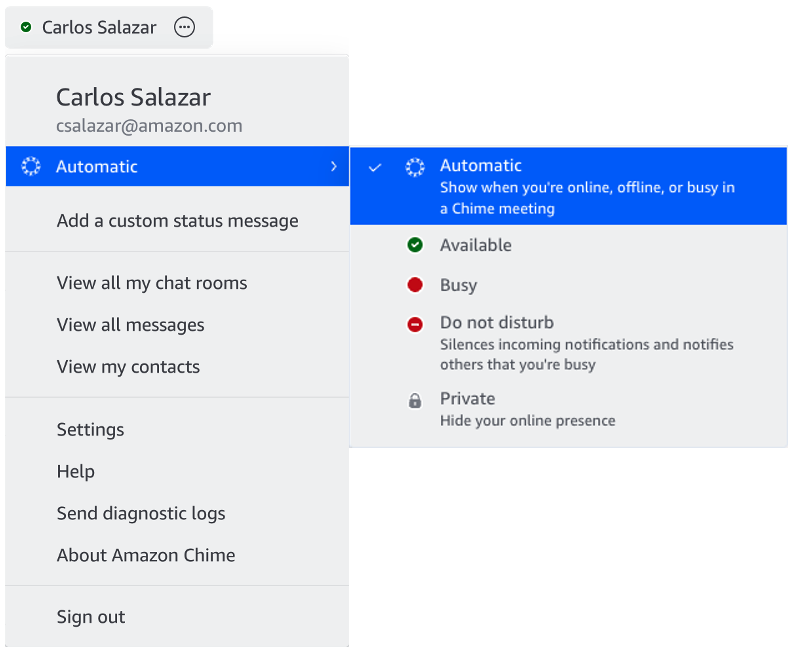
To change your presence so it will show your presence to others as a lock icon, do the following from one of your clients. Change it on one device and the setting will be reflected on all your devices!
Mobile:
- Navigate to Settings (gear icon in the upper left) > in the Share presence status with section choose No one.
Desktop:
- Choose the User menu (drop down next to your name in the upper left) and check the Private option.