
There are two things you can do to help increase notifications for chat.
- For chat rooms, change Room notifications to Full and any time there is a post in the chat room, you will be notified. This setting can be found by navigating to the chat room and on desktop, choosing the bell icon in the upper right and selecting Full. On mobile, choose the options icon and select Notification settings and then Full.
The chat room will also be opened anytime someone posts a message.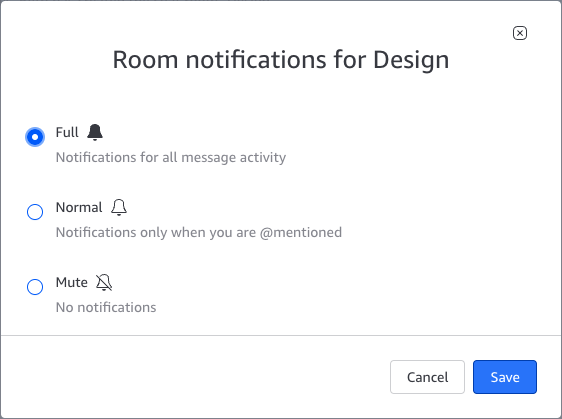
- Download and install Amazon Chime on your mobile device (go to https://aws.amazon.com/chime/download). When a message is received on the desktop client, if it is not read within 90 seconds, Amazon Chime will send a push notification for the message to your mobile device.