
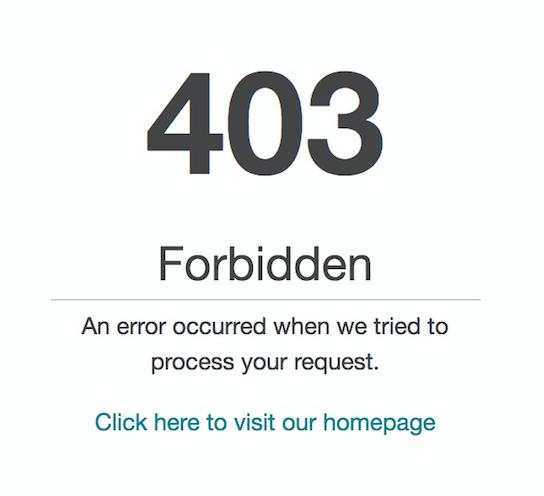
When trying to access the Amazon Chime console ( https://console.chime.aws.amazon.com) we will return a 403 forbidden for the following reasons:
-
The AWS account that you are using does not have a valid payment method associated with it.
Check your account and Payment Method by navigating to the AWS Console > Choose My Account under your name on right side of the upper navigation and then choose Payment Methods. Make sure you either have a Credit Card or Pay by invoice enabled.
-
The AWS account does not have the Amazon Chime service enabled.
You may not have completed the AWS Account Setup flow. Please navigate to https://portal.aws.amazon.com/billing/signup?type=resubscribe#/ and follow the instructions provided. From the main AWS Console, make sure Amazon Chime is listed below the Business Productivity category or search for Amazon Chime. See http://docs.aws.amazon.com/awsconsolehelpdocs/late... for more details regarding enabling services.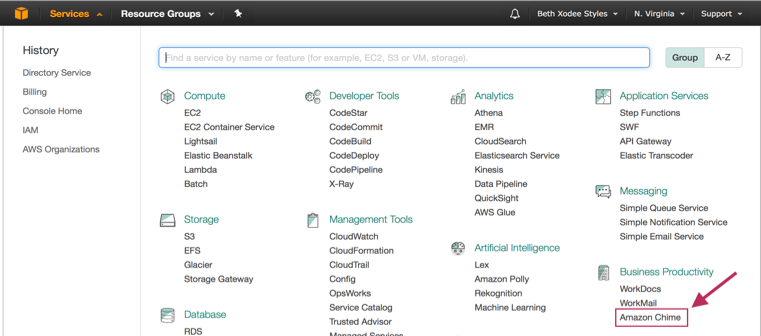
-
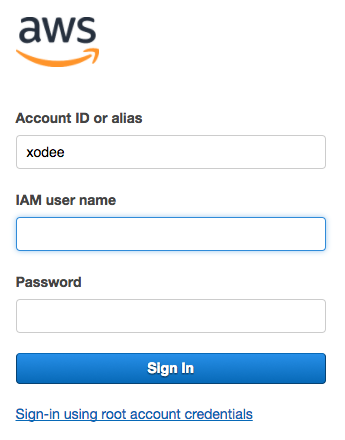
The login you are using does not have permissions to access the Amazon Chime console.
If you are accessing the AWS Console via an IAM account, please be sure you have permissions to access Amazon Chime. Please see http://docs.aws.amazon.com/awsconsolehelpdocs/late... for more details regarding resources and http://docs.aws.amazon.com/IAM/latest/UserGuide/i... for details regarding IAM.