
Please be sure to add the user as a Contact before trying to add them as a delegate.
Follow these steps to add a delegate:
- Sign in to your Amazon Chime account on Windows or Mac
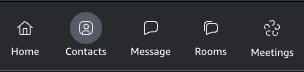
- Add the user you want to be your delegate as a contact by choosing Contacts from the launch pad.
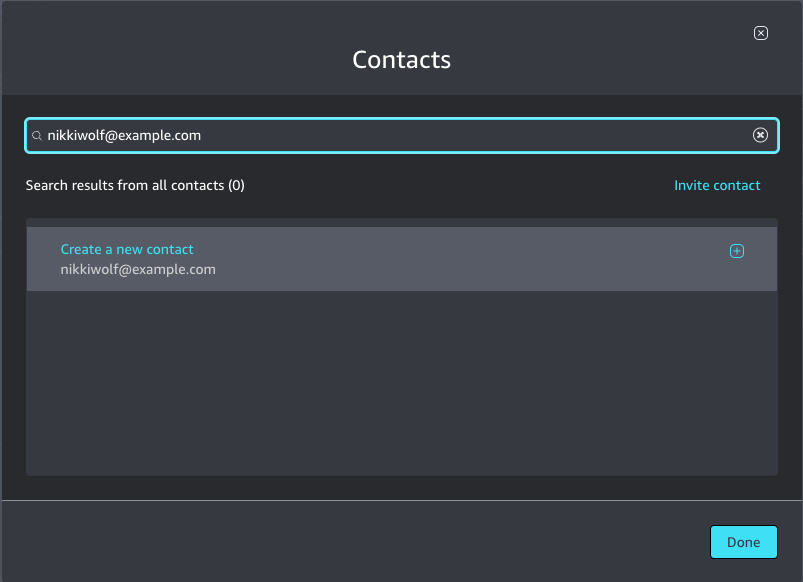
- Search your Contacts for the user and if you find them, select their name and choose Add to contacts in the right pane if it is available.
- If they are not already yet registered, choose Create a new contact and click Done. We recommend sending them instructions for signing up for an Amazon Chime account here: https://aws.amazon.com/chime/getting-started.
- Navigate to the Meetings preferences:
- Return to the Main Amazon Chime window
- Click your name in the upper left and choose Settings from the menu
- Select Delegates
- Click Add delegates and choose one or more the user/email address from the list
- When you are done selecting, select Add delegates
- Notify the user that they are now your delegate.
For more information about what your delegate can do, visit this article.