
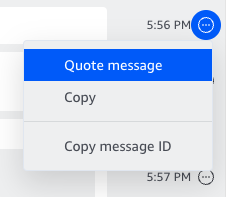
Yes, Amazon Chime provides two message actions in the menu next to messages in all of your conversations and chat rooms.
Copy this message copies the message to your clipboard, making it easy to paste in Amazon Chime or any other application.
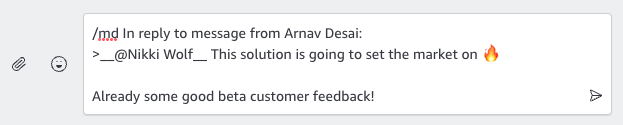
Quote this message inserts the selected message into your compose message field as a quote, using markdown. Quoting a message lets you respond to previous messages in context.
To use Quote this message:
- Choose Quote this message from the Message actions menu to the right of the message you want to quote
- The selected message will appear in the text area formatted using Markdown.
- Your response with the original message in quotes will appear in chat.
