
Meeting attendees can be added to a second meeting (merged) when both meetings are using the same meeting ID. This often happens when back to back meetings are scheduled and the first meeting runs long and the second meeting starts. For this reason we do not recommend using your Personal meeting ID for all your meetings.
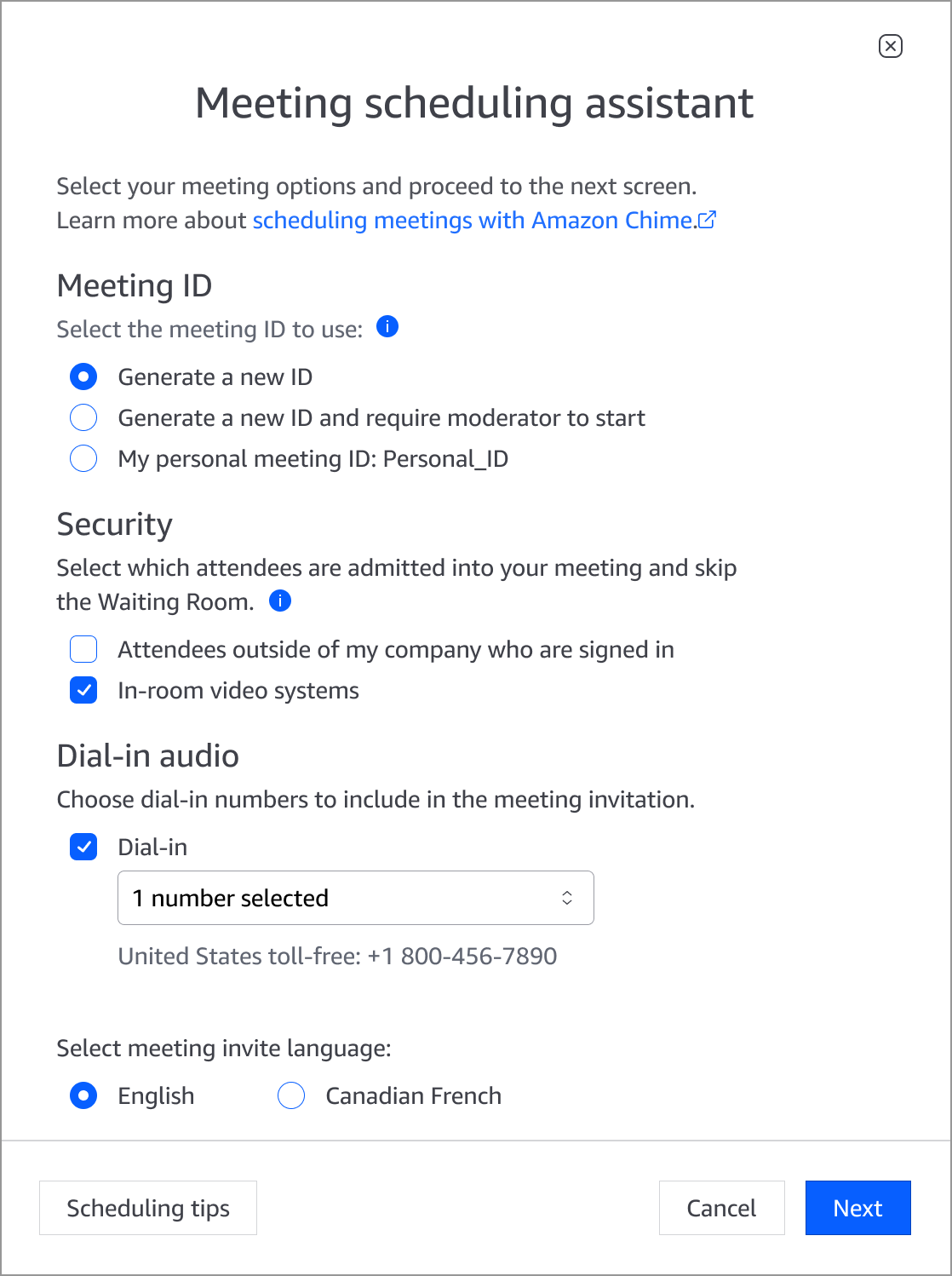
The best way to avoid this problem is to choose one of the Generate a new ID options when scheduling your back to back meetings. These IDs are special meeting IDs that organizers can generate either from within the Amazon Chime application (Meetings > Schedule a Meeting and choose one of the Generate meeting ID options):
Or by using the Amazon Chime for Outlook Add-in (When scheduling a meeting for yourself or as a delegate choose Generate a new ID or Generate a new ID and require moderator to start):
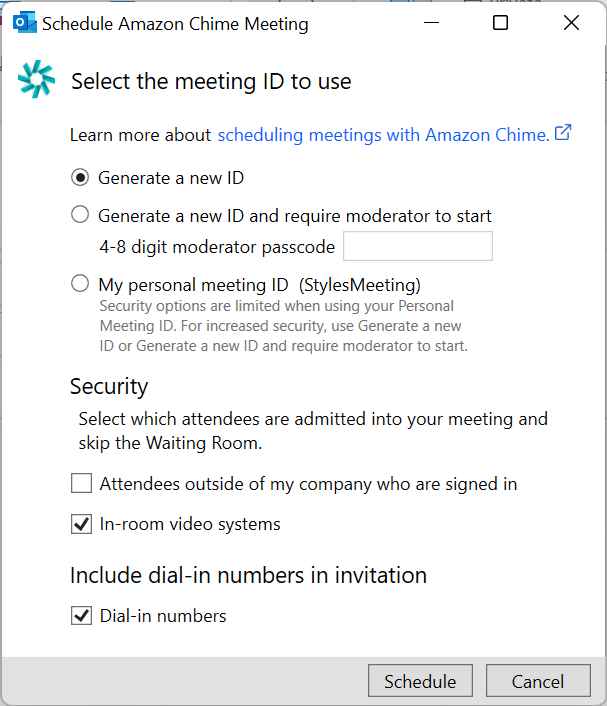
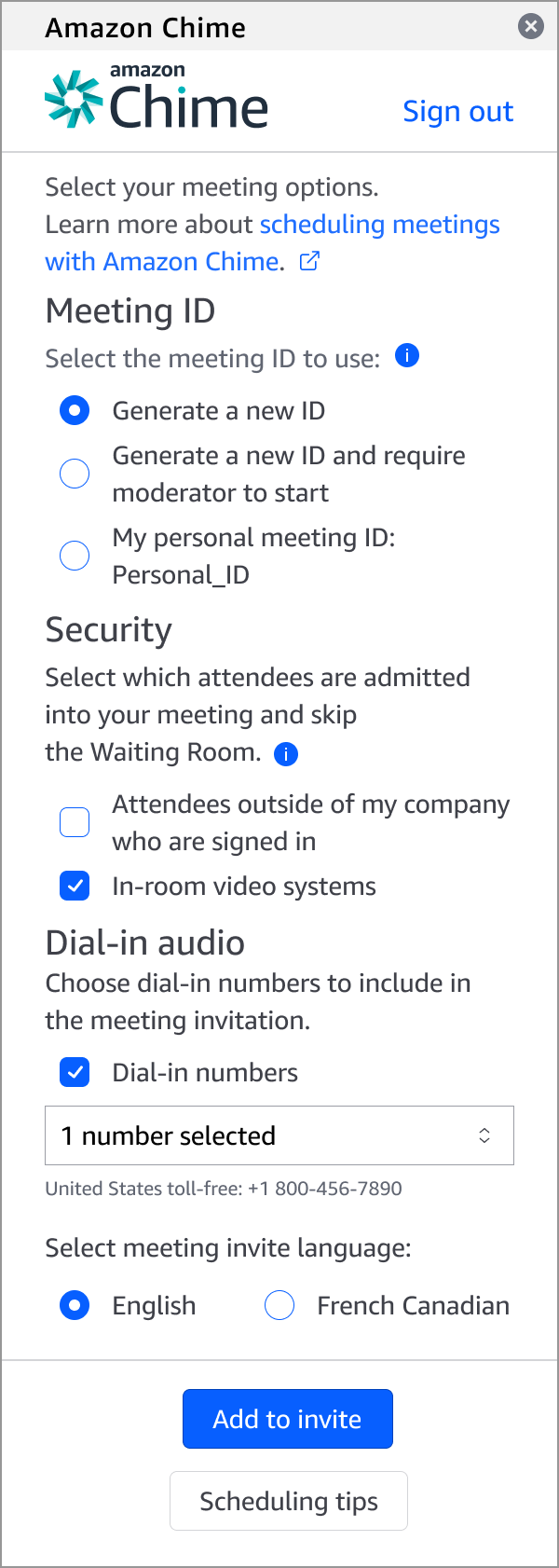
Because each meeting has a different meeting ID, Amazon Chime will start different meetings and the meeting attendees will not be merged if the first meetings happens to run long.
These Generate a new meeting IDs options generate meeting IDs that can be used for recurring meetings and since we do not limit how many can be generated by an organizer, feel free to use them for all your meetings
Two things that are very important:
- When you are using new meeting IDs for scheduled meetings there will be an additional email address to invite to the meeting in the form of pin+<meetingID>@chime.aws. That email address tells Amazon Chime which meeting ID to use for the meeting.
- The new meeting ID MUST be generated by the owner of the calendar (or their delegate). If you try to schedule a meeting for someone else and you use a meeting ID that you generated, the scheduled meeting will fail and Amazon Chime will send the organizer an email indicating that the meeting was not scheduled.