
Below are audio challenges and recommendations to address them for a better meeting experience.
1. No one can hear me!
This can happen if your microphone device is muted by your operating system.
Windows
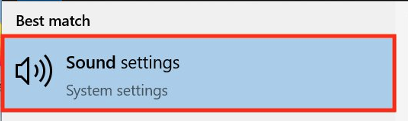
- Search for Sound and navigate to Sound Settings.
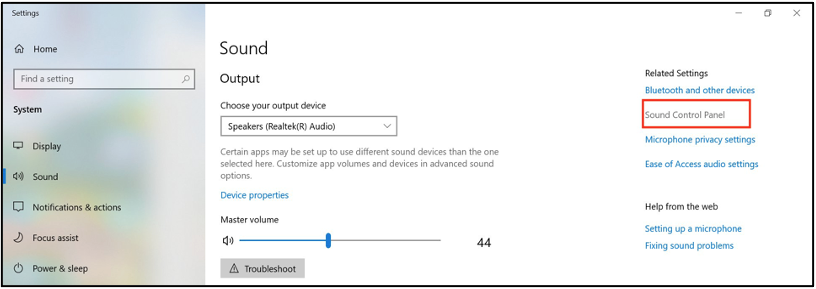
- Navigate to the Sound Control Panel.
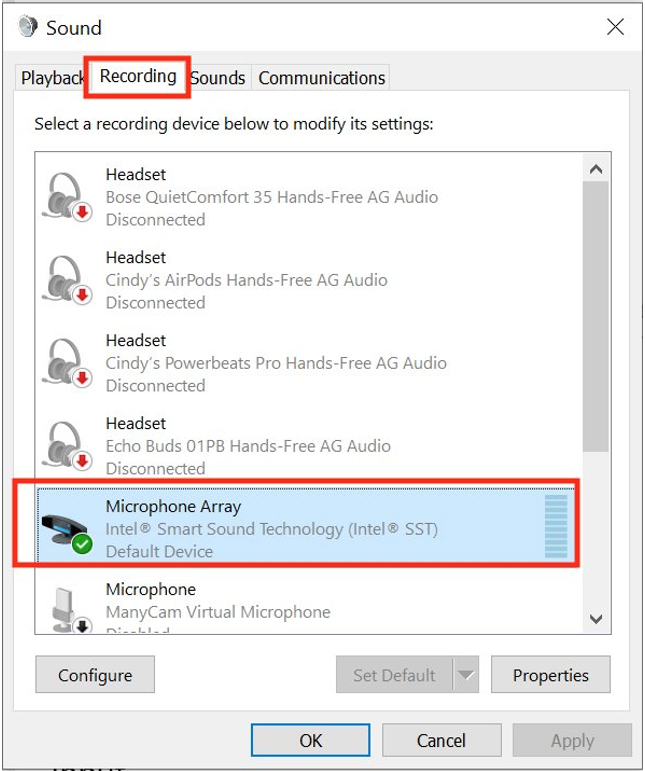
- Click on the Recording tab, and double click the microphone that you are using to open up the device properties (or click on Properties and then Levels).
- Make sure the microphone is unmuted. If it is muted (red circle with a line through it), click the icon and make sure it is now unmuted.
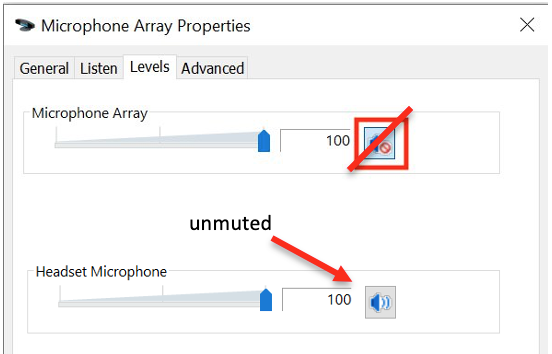
- Select OK to close the Properties and then OK to close the Sound Preferences.