
Choose View > Show Shortcut Menu the top menu of the Amazon Chime client.
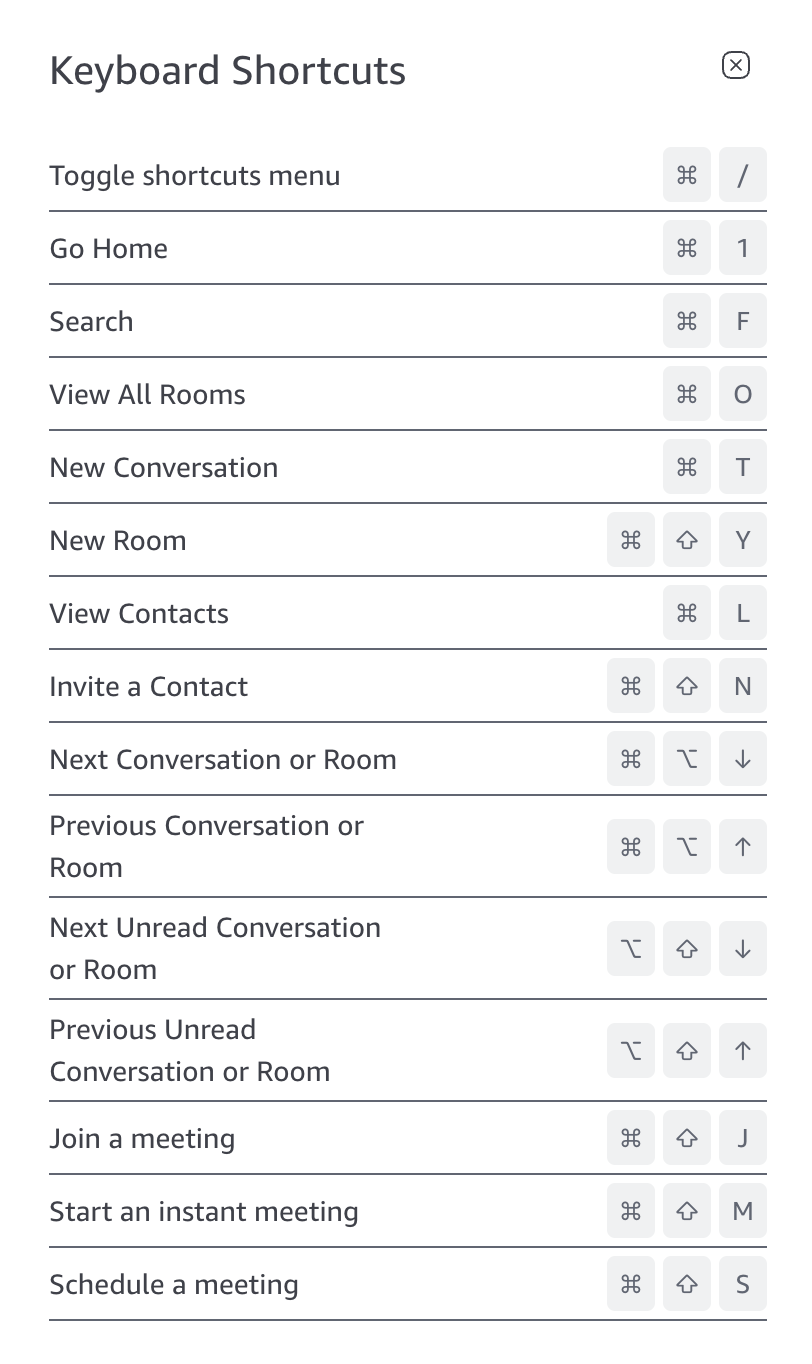
For a list of keyboard shortcuts for the web application navigate to https://app.chime.aws and toggle on the shortcut panel using ⌘+/ on macOS or Ctrl+/ on Windows or Linux or see: https://amazonchime.zendesk.com/hc/en-us/articles/38999272554651-Keyboard-Shortcuts-in-the-Web-Application